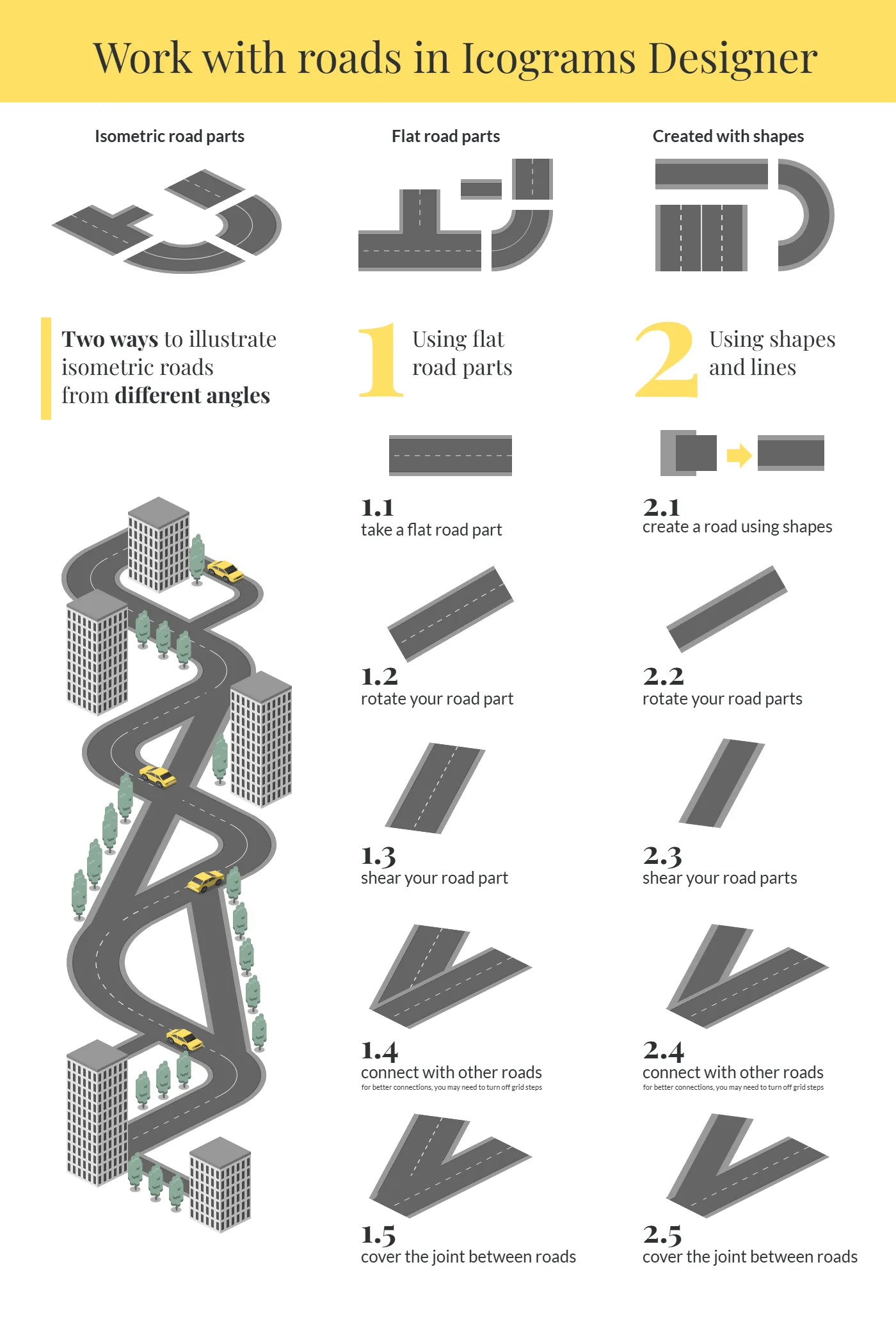
Work with roads in Icograms Designer
Uploaded at:
2026-09-08
Size and Formats:
1400x2080
SVG, PNG, JPG, WebP
Description  :
:
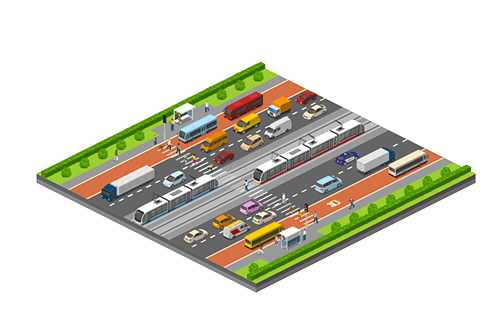
Learn how to draw isometric roads in Icograms Designer with this step-by-step visual guide, covering two proven methods for illustrating roads from any angle — perfect for city layouts, infographics, transport diagrams, and architectural visualizations. The template shows how to combine ready-made isometric road parts (straight, curved, and junction segments) to build intersections and roundabouts, walks through Method 1 using flat road parts (take a segment, rotate it, shear it, connect it to other roads, and cover the joints for a seamless look), and Method 2 using shapes and lines to build custom roads from scratch with full control over width, lane markings, and curves, all illustrated with a full example scene of a winding isometric road weaving through city buildings, trees, and cars — making it an essential resource for anyone creating city maps, network diagrams, transportation infographics, or urban planning visuals with realistic, connected roads at any angle.