
What Is a Process Flow Diagram?
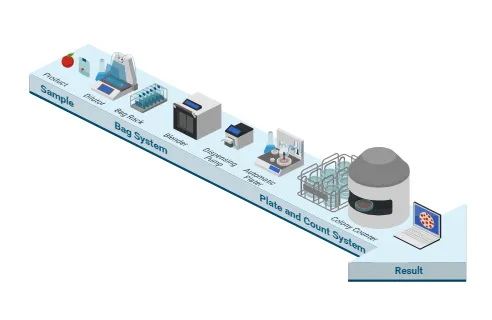
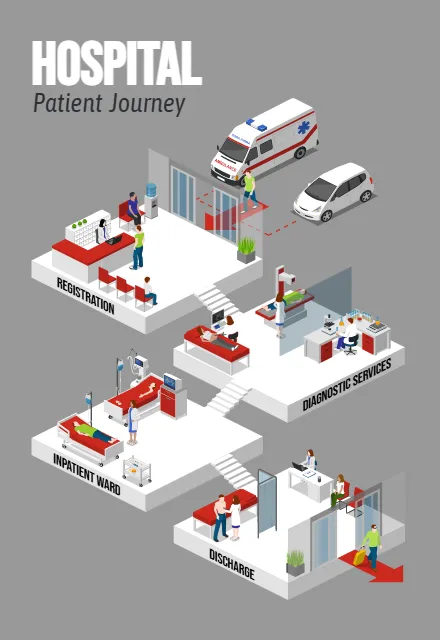
A process flow diagram is a visual overview of the stages in a process and the connections between them. It helps readers follow the sequence of activities, understand inputs and outputs, and see how work moves from one stage to the next. The level of detail depends on your audience. A simple process flowchart can explain a short sequence of tasks, while an illustrated process map can show the people, equipment, and locations involved in a larger operation.
Process Flow Diagram Examples and Uses
Business Process and Workflow DiagramMake everyday operations easier to explain. Create a business process diagram for order handling, customer service, employee onboarding, or internal approvals. Show the steps and handoffs that keep work moving. Use a workflow diagram to support process documentation, introduce new procedures, or help teams discuss how a task should be completed.
Manufacturing Process Flow Diagrams
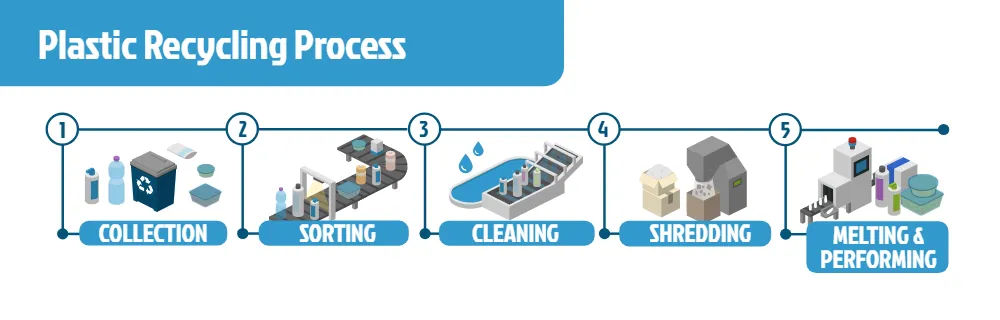
Illustrate the stages of a production process, from incoming materials to processing, assembly, inspection, and packaging. A manufacturing process flow diagram gives viewers an overview of how materials move through a facility. Combine equipment, workers, and labels to explain each stage in context.
Product Flow and Supply Chain Diagrams
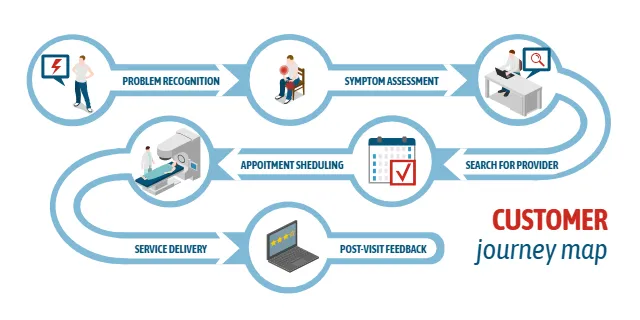
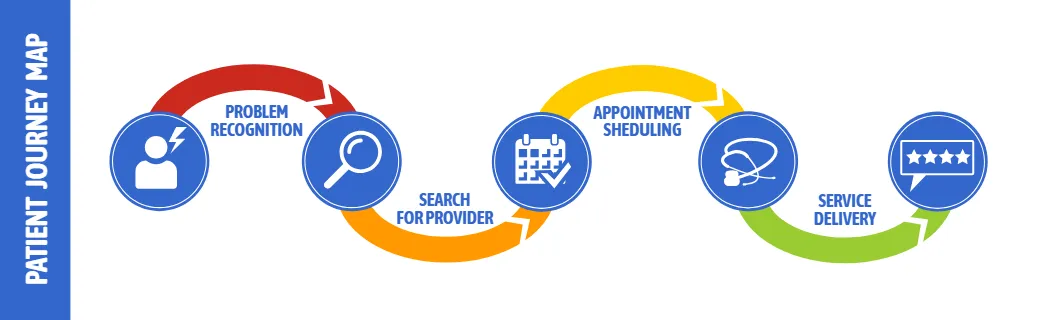
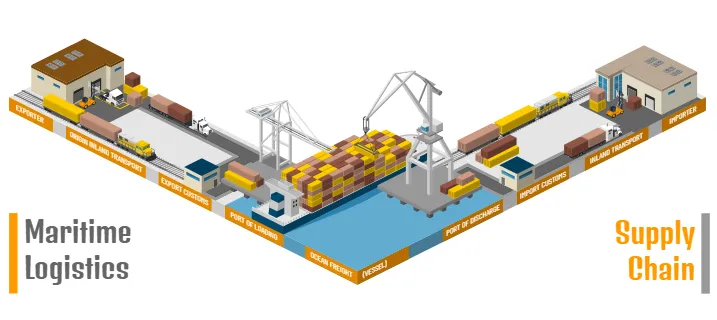
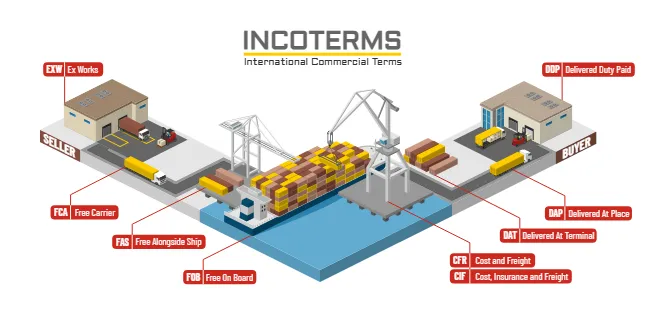
Explain how a service is delivered across customer interactions and internal activities. Show what happens when a request arrives, how it is handled, and how the customer receives the outcome. For presentations that focus on the customer experience, connect service steps with a customer journey map.
Make Process Mapping Easier to Follow
A useful process map gives readers enough information to understand the flow without overwhelming them. Keep related stages together, use consistent labels, and make the direction of movement clear. Add visual context where it helps explain a task: a warehouse for storage, a workstation for assembly, or a vehicle for transportation. Use your diagram as a starting point for conversations about bottlenecks, repeated steps, and handoffs. A shared view of the process can help teams identify questions and discuss possible improvements.How to Create a Process Flow Diagram with Icograms
- Define the process. Decide where it starts, where it ends, and which stages your audience needs to see.
- Choose a starting point. Open Icograms Designer to build from scratch or customize a suitable template.
- Add the process stages. Drag and drop icons to represent activities, people, equipment, and locations.
- Show the flow. Arrange the stages in sequence and add arrows, symbols, and text to explain the connections.
- Customize the design. Adjust colors, sizes, and labels. Upload your own graphics when needed.
- Review and export. Check that the sequence is easy to follow, then export your diagram for use in your materials.
Why Use Isometric Process Diagrams?
Isometric illustrations bring physical context to a process. Instead of describing a production stage only with a label, you can show the workspace, equipment, and people involved. This approach is useful for explaining operations to audiences who need an accessible overview. Combine illustrated scenes with a clear sequence to create a process infographic that is informative and easy to navigate.